

●
WordPress Design Services
|
YM Digital Marketing
WordPress Design Services
WordPress Design Services for Business Websites
A business website needs to do more than look polished. It should help visitors understand what you offer, find the right information, move confidently toward the next step, and give your team a practical way to manage content after launch. Our WordPress Design Services focus on creating professional, responsive websites around those business and user needs.
At YM Digital Marketing, we can plan the site structure, user journeys, page hierarchy, layouts, WordPress implementation, content migration requirements, forms, appropriate plugin functionality, testing, launch preparation, and handover. The exact scope depends on the website you need and the assets, functionality, and technical requirements involved.
WordPress can support anything from straightforward content-led business websites to more sophisticated publishing and website structures. We choose an appropriate implementation for the project rather than assuming every site needs the same theme, plugins, or development approach.
Responsive Layouts
Appropriate Implementation
Testing & Handover
● ● ●
ymdigitalmarketing.com
Business Purpose First
Information Architecture
User journeys & hierarchy
Planned
Responsive Real Content
Mobile, tablet & desktop
Optimized
Migration, Testing & Handover
Clear post-launch clarity
Structured
Theme Approach:
Tailored to Project
Section 01 // Foundation
Start With Your Website's Business Purpose
Good WordPress web design starts before choosing colours, templates, or plugins.
We first need to understand what the website is expected to accomplish. A professional services company may need to turn complex offerings into clear service journeys. A multi-service business may need a stronger information hierarchy. Another organization may have useful existing content but an outdated website that is difficult to navigate or manage.
Discovery can help establish:
The website’s primary audiences
Important services or offerings
Visitor questions and decision paths
Required pages and content types
Calls to action
Existing content worth retaining
Functional requirements
Content-management needs
Technical or migration dependencies
These decisions give the design a purpose.
Instead of starting with a visual template and forcing the business into it, we can establish what information the site needs to communicate and how visitors should move through it.
Section 02 // Structure
Plan Information Architecture Before Designing Pages
A website becomes harder to use when its structure reflects internal company terminology rather than what visitors are trying to accomplish.
Information architecture helps determine how pages, services, resources, navigation, and other content should relate to one another.
Depending on the project, we can plan:
Primary navigation
Page hierarchy
Service relationships
Content groupings
Parent and child pages
Calls to action
Footer navigation
Reusable page structures
Internal linking opportunities
This planning is particularly important during a WordPress website redesign.
Existing websites often accumulate outdated pages, overlapping services, old URLs, abandoned landing pages, and navigation choices that no longer reflect the business. A redesign provides an opportunity to decide what should remain, what needs improvement, and what can be consolidated or removed.
It also creates a clearer foundation for design, content migration, and search considerations before development begins.
Section 03 // Responsive UX
Design Responsive Pages Around Real Content
Layouts need to work across different screen sizes and content conditions.
We design page structures around the information users actually need rather than relying on visual effects that only work in an ideal desktop mockup.
That can involve decisions around:
Page introductions and value propositions
Content hierarchy
Service sections
Calls to action
Forms
Navigation
Images and media
Trust information where verified
Long-form content
Mobile layouts
Reusable content sections
Responsive design is considered throughout the page experience rather than added as an afterthought.
The appropriate visual direction depends on the brand, audience, content, and project requirements. We do not assume that every WordPress website needs complex animation, excessive interactive effects, or a large number of unique layouts.
A consistent design system can often produce a more coherent website and make future content management easier.
Section 04 // Theme Architecture
Choose an Appropriate WordPress Theme Approach
A professional WordPress website does not automatically require a completely custom theme.
Modern WordPress provides several ways to structure and manage a website. Block themes, for example, can provide access to the Site Editor, where supported site elements can be managed using blocks. WordPress also supports templates, template parts, patterns, and styles that can help create consistent layouts across a site.
The appropriate approach depends on the project.
We can consider factors such as:
Design requirements
Content-management expectations
Existing theme or website condition
Required functionality
Reusable layouts
Editing experience
Performance implications
Plugin compatibility
Development requirements
Long-term maintainability
In some cases, an appropriate existing theme or block-based approach may satisfy the requirements efficiently. In others, more customized templates or development may be justified.
The decision should follow the website requirements rather than a blanket rule that “custom” is always better.
Section 05 // Content Management
Create a Website Your Team Can Manage
One of WordPress’s practical strengths is content management.
Depending on how the site is configured, authorized users can manage pages, posts, media, navigation, and other website content without editing source code for routine changes.
Modern WordPress can also use patterns and reusable structures to help maintain consistency. For example, synced patterns can be updated centrally and reflected wherever that pattern is used.
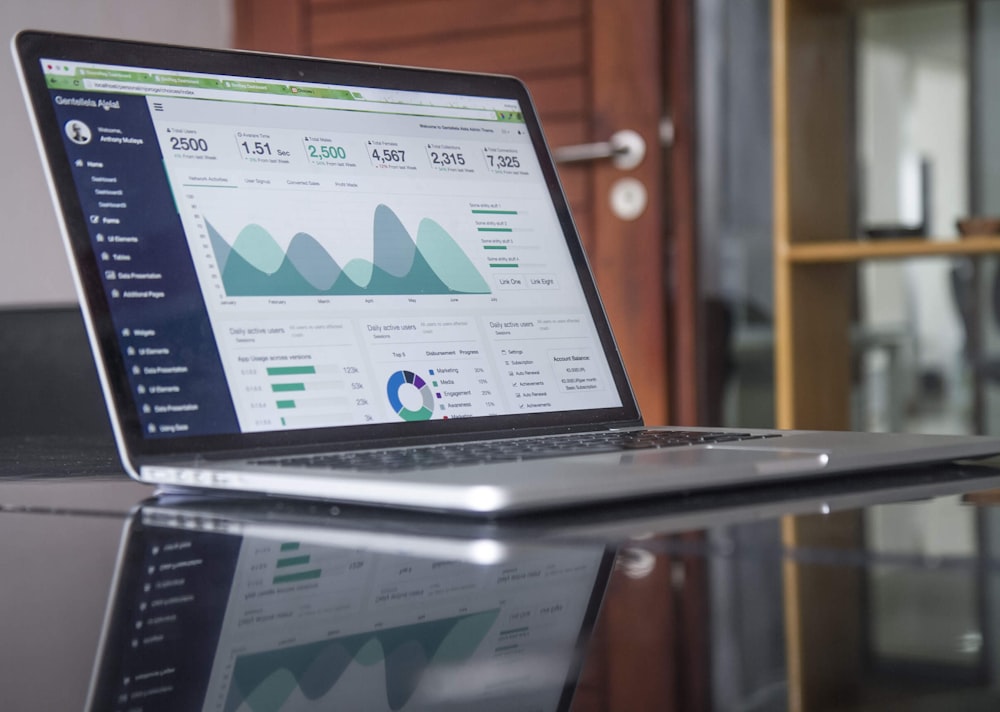
We consider the editing experience during the design process.
A visually impressive page that becomes difficult for the business to update can create unnecessary dependence after launch. Where practical, we aim to balance design flexibility with sensible controls so routine content changes do not require rebuilding the page.
The final editing capabilities depend on the chosen theme, plugins, permissions, custom functionality, and agreed project scope.
Section 06 // Plugin Strategy
Add Functionality Without Treating Plugins as a Checklist
Plugins can extend WordPress with functionality beyond the core platform, including forms, SEO functionality, ecommerce features, caching, security tools, and many other capabilities.
That does not mean every website should install a large collection of plugins.
Each additional dependency should have a reason to exist.
We can evaluate required functionality and determine whether WordPress core, the selected theme, an appropriate plugin, or custom implementation is the more suitable approach.
Plugin selection can involve considerations such as:
Required functionality
Compatibility
Maintenance history
Updates
Security considerations
Performance implications
Licensing
Integration requirements
Premium plugins and associated licenses should be confirmed during scoping. We do not assume that every commercial license or future renewal is automatically included in a website project.
Section 07 // Migration Inventory
Plan Content Migration Instead of Simply Copying Everything
Redesigning an existing website often involves moving content, but migration should begin with an inventory rather than an assumption that every old page deserves a place on the new site.
WordPress includes tools for importing and exporting several types of content, but the practical migration process depends on the source website, content structure, media, custom fields, plugins, page builders, URLs, and other technical dependencies.
Before migration, it can be useful to determine:
Which content should remain
Which pages require revision
Which URLs need to be preserved
What should be consolidated
Which media assets are required
Whether formatting needs rebuilding
What metadata or structured content must move
Which redirects may be required
Content migration and content rewriting are separate activities.
Unless copywriting or content entry is included in the agreed scope, a redesign should not automatically be assumed to include rewriting or manually entering all existing website content.
Section 08 // Accessibility
Consider Accessibility From the Design Stage
Accessibility should be considered while planning interfaces, navigation, content structure, forms, interactions, and visual presentation.
The Web Content Accessibility Guidelines developed through W3C provide an international standard for improving the accessibility of web content for people with disabilities.
Relevant design and implementation considerations can include semantic structure, keyboard use, text alternatives, form labels, focus behavior, colour contrast, responsive layouts, and understandable navigation.
However, accessibility conformance is a specific claim that requires an appropriate scope and evaluation.
We therefore do not automatically promise a particular WCAG conformance level unless that requirement, implementation responsibility, and testing process have been explicitly included in the project.
Section 09 // Performance & Technical SEO
Build With Performance and Technical SEO in Mind
Design decisions can affect performance and search accessibility.
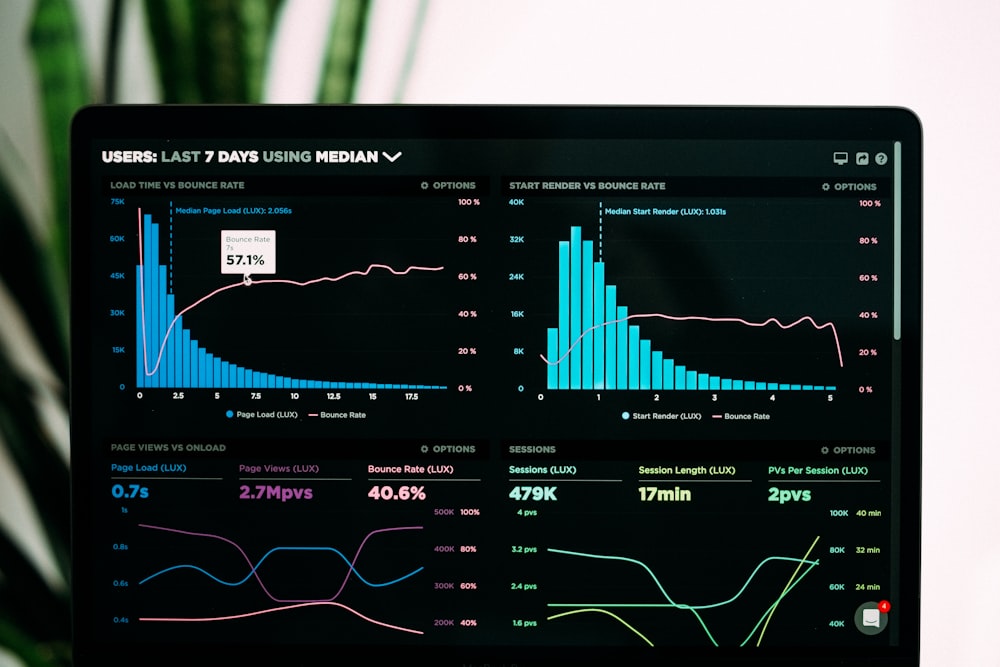
Large media files, unnecessary scripts, excessive plugins, complex page-building dependencies, poor heading structure, confusing internal navigation, and careless migration decisions can all create avoidable problems.
We can consider technical foundations during a WordPress project, including sensible page structure, crawlable navigation, responsive implementation, appropriate media handling, URL considerations, and performance-conscious design choices.
That does not mean WordPress Design replaces a full technical search engagement.
Websites requiring detailed investigation of crawling, rendering, indexing, canonicalization, structured data, redirects, Core Web Vitals, or post-migration search issues can be supported through our Technical SEO Services.
Likewise, no website platform or design process guarantees rankings or perfect performance scores.
Section 10 // Quality Assurance
Test Before Launch
A website should be checked in its implemented state rather than approved solely from design mockups.
Testing requirements vary by project, but launch preparation can involve reviewing representative pages and functionality across relevant devices, viewport sizes, and browsers.
Checks may cover areas such as:
Navigation
Responsive layouts
Forms
Links and buttons
Page templates
Content presentation
Images and media
Basic accessibility considerations
Agreed functionality
Search-related launch settings
Redirect requirements where applicable
A redesign also needs particular care around staging environments, indexing settings, existing URLs, and migration dependencies.
The launch plan should reflect the scale and complexity of the website.
Section 11 // Project Handover
Prepare for a Practical Website Handover
A WordPress project should end with clarity about what the business receives and what happens next.
Depending on the agreed scope, handover may cover administrative access, relevant editing instructions, theme and plugin information, known license requirements, and guidance for routine content management.
Ongoing hosting, software licenses, maintenance, backups, security monitoring, content updates, and support retainers should be treated as separate scope items unless explicitly included.
WordPress itself also requires ongoing care. Official WordPress guidance recommends keeping WordPress core, themes, and installed plugins up to date, while recognizing that security involves the broader hosting and application environment as well.
We do not describe any website as unhackable or permanently maintenance-free.
Section 12 // Solution Alignment
WordPress Design or Custom Development?
WordPress is a strong option when the project is primarily a content-led website and the business benefits from an established content-management platform.
Not every digital requirement fits that model.
Projects involving bespoke web applications, complex business logic, specialized API integrations, workflow automation, or functionality that extends substantially beyond a conventional content-managed website may require a different development approach.
Our Custom Development Services address those more application-specific requirements.
Choosing the right approach early can prevent a business from forcing an unsuitable requirement into WordPress simply because the platform is familiar.
Section 13 // Knowledge Base
WordPress Design Services FAQs
The scope can include discovery, information architecture, UX planning, responsive page design, WordPress implementation, templates, appropriate plugins, forms, content migration planning, testing, launch preparation, and handover. The exact deliverables depend on the agreed project.
Not necessarily. Modern WordPress supports block themes, templates, template parts, patterns, and other customization options. Some projects justify more customized theme or template development, while others can achieve their requirements with a well-selected existing foundation. We recommend deciding from project requirements rather than assuming custom development is always necessary.
A WordPress website redesign can involve reviewing the existing structure, navigation, content, URLs, layouts, functionality, and migration requirements before rebuilding the experience. The exact redesign and migration scope needs to be established for the individual site.
Potentially. The migration approach depends on the existing platform, content types, page builder, media, URLs, custom fields, plugins, and other dependencies. Content migration, content rewriting, and manual content entry should be scoped separately so responsibilities are clear.
WordPress is designed as a content-management system, and routine content can often be managed through its administrative interface. The exact editing capabilities depend on how the website is built, the selected theme and plugins, custom functionality, and user permissions.
These should be confirmed during project scoping. Hosting, domains, premium themes, commercial plugin licenses, renewals, maintenance, support, and other third-party costs are not automatically assumed to be included in a WordPress Design project.
✦ WordPress Design Services
Build a WordPress Website Around Your Business
If you need a new WordPress business website or want to rethink an existing site, YM Digital Marketing can help define the structure, user experience, design requirements, WordPress approach, migration considerations, and launch scope before the project moves forward.
Clear Scope Clarity • UX & Information Architecture • Responsive Implementation